You Talk at 130 WPM. Why Are You Still Typing at 40?
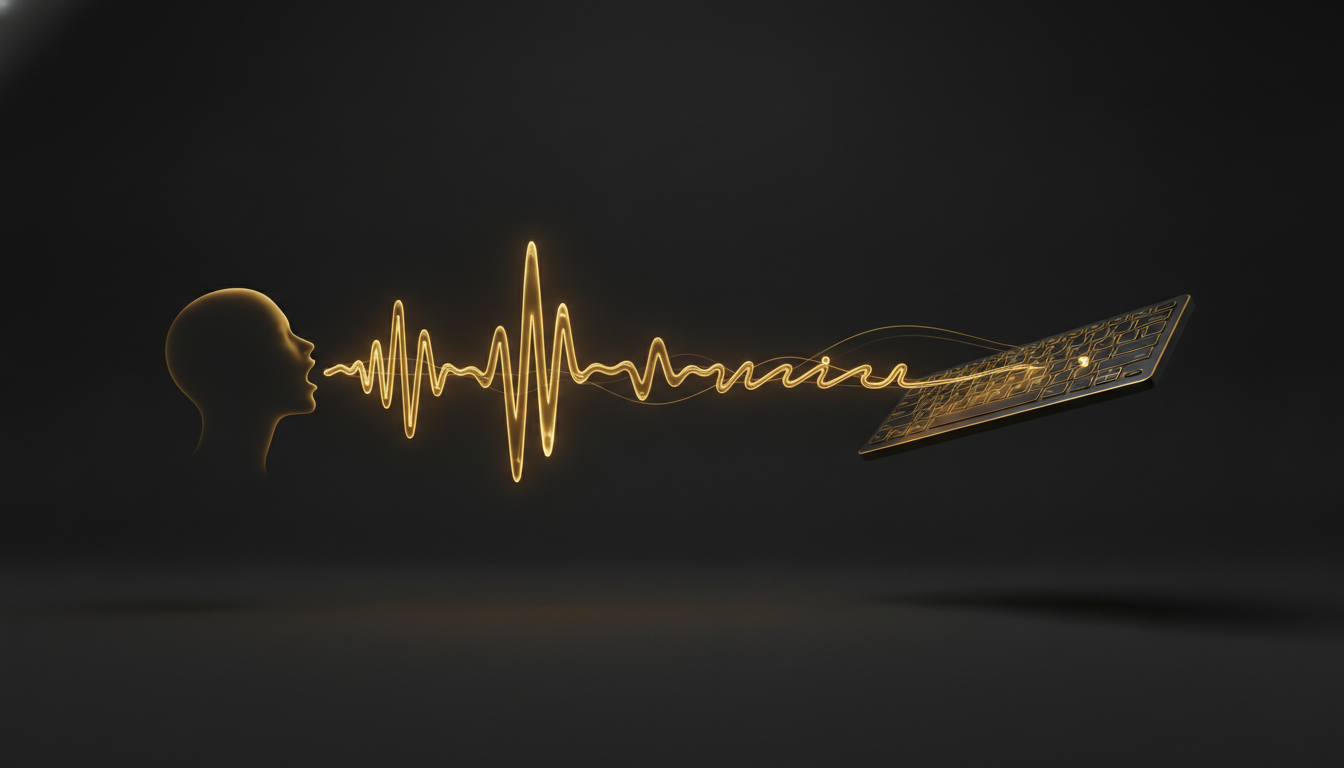
Most people type between 35 and 50 words per minute. Most people speak at around 130. That gap is not a minor inconvenience. It is a bottleneck sitting between your brain and everything you need to produce.
The Math Is Not in Your Favor
Say you write 2,000 words a day, emails and documents and messages combined. At 40 words per minute, that is 50 minutes of pure typing, before you account for pauses, corrections, and the friction of hunting for the right word while your fingers are already waiting.
At 130 words per minute, the same 2,000 words takes about 15 minutes. That is 35 minutes returned to you, every single day. Over a year, it adds up to roughly 150 hours.
You do not have to type faster to close that gap. You just have to stop typing.
Your Hands Are Not the Problem
The keyboard is a 19th-century invention designed for a mechanical constraint that no longer exists. We kept it because habits calcify, not because it is the best way to move thoughts from your head onto a screen.
Your hands are slow. Your mouth is not. The voice channel has a much higher bandwidth for getting ideas out, and unlike typing, speaking does not require you to split your attention between forming the thought and forming the letters.
That split is where ideas go to die. You are midway through a sentence, and by the time your fingers catch up, the second half has already dissolved.
Thinking and Typing at the Same Time
There is a cognitive cost to composing and transcribing simultaneously. Writers know this as the difference between drafting and editing. When you type, you are doing both at once, every keystroke a small act of translation.
When you speak, the translation layer disappears. You can follow a thought to its end before the next one starts. The result is often messier, but it is also more complete. You capture the idea before it evaporates.
This is why so many people find that dictated first drafts have more energy than typed ones. The voice carries rhythm and emphasis that the keyboard tends to flatten.
What Slows Dictation Down
The honest answer is habit. Typing feels precise. Dictation feels like improvising. That discomfort is real, but it fades faster than most people expect, usually within a few days of regular use.
The other friction point used to be accuracy. Early voice software was slow, required training, and made enough errors to break your flow constantly. That is no longer true. Tools like VoiceInk run entirely on your Mac or Windows machine, process speech locally, and transcribe fast enough that your words appear almost as you say them. There is no cloud round-trip, no waiting, no wondering where your audio went.
You press a key, speak, and your words land in whatever app is in front of you, whether that is a text editor, an email client, or a code comment.
Where to Start
Pick one task you do every day that involves writing. Email replies are a good candidate. Slack messages work well too. Start there, dictate for a week, and pay attention to how long it takes compared to typing.
You do not need to overhaul your entire workflow on day one. You need one habit replaced, and once you feel the speed difference, the second habit tends to follow on its own.
The gap between talking and typing is not theoretical. It shows up in your word count, your energy at the end of the day, and the quality of ideas you actually manage to get down before they slip away.
If you have never tried modern dictation, it is worth an afternoon to find out what you have been leaving on the table.
Don't type. Speak.
VoiceInk Pro for a full year at $50 instead of $69. Wispr Flow charges $144 a year; this is about a third of that. Mac and Windows, cancel anytime.
Get a year for $50Code READER50 is applied at checkout. Not ready to pay? Download VoiceInk free.