How to Write a First Draft by Talking Out Loud
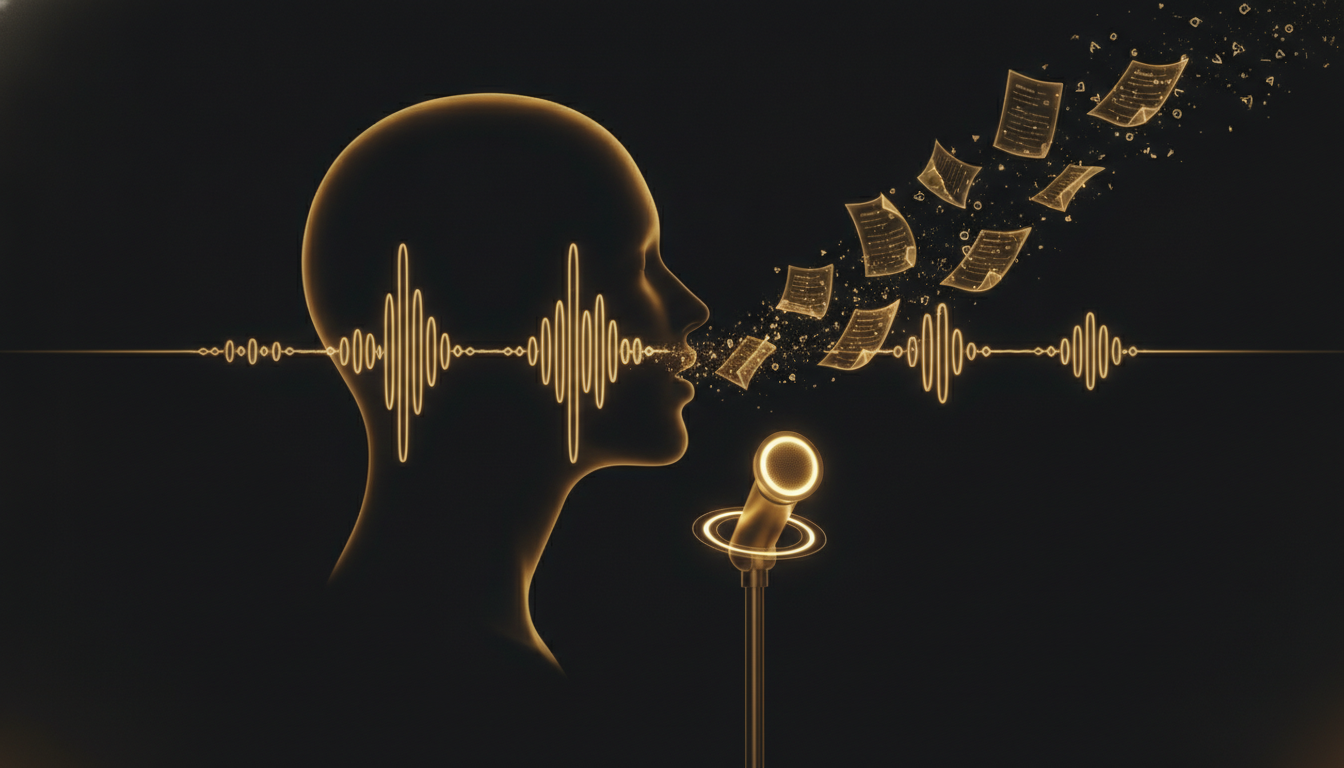
The first draft is the hardest part. Not because writing is hard, but because the blank page activates every critical instinct you have. You write a sentence, you judge it, you revise it, and by the time you move to the next one the forward momentum is gone.
Dictating a first draft sidesteps this almost completely, but only if you do it correctly.
Why Speaking Produces Better First Drafts
When you type, the editing function of your brain runs in parallel with the generating function. You see words on screen as you produce them, and the visual feedback triggers evaluation. This is useful when you are revising. It is destructive when you are drafting.
When you speak, the feedback loop is different. You cannot unsay a word. You cannot see the sentence building in front of you the same way. The result is that most people speak with less self-censorship than they type, and their first-draft voice, which is usually more direct and more human, comes through.
The writers who use dictation most effectively tend to describe their dictated drafts as sounding more like themselves. That is not an accident.
The Setup That Actually Works
You need two things: a way to capture speech accurately and a habit that removes the temptation to edit while you go.
For capture, a local dictation tool works better than cloud-based options because the latency is lower and there is no upload pause to break your speaking rhythm. VoiceInk, for example, puts transcribed text directly into your document as you speak, without a separate transcription window to manage.
For the habit, the single most important rule is no backspacing during a dictation session. If you misspeak, restate the sentence. If the transcription makes an error, keep going. Mark it with a spoken note, something like "fix this sentence," and move forward. You are building raw material, not a finished product.
How to Start a Session
Do not open your document and start dictating cold. Spend two minutes beforehand speaking out loud about what you want to cover. Not scripting it, just talking to yourself about the shape of the piece. What is the main point? What is the first thing you want to say? What does the ending feel like?
This warm-up primes your speaking voice and gives your brain a loose structure to work within. Then open the document, activate dictation, and start with the first thing you want to say, not the first thing you want to write. The distinction matters.
Handling the Rough Spots
You will lose your train of thought mid-sentence. This happens. The response is not to stop and think silently, which breaks the session. Instead, speak through it. Say "in other words" and try again from a different angle. Say "the point here is" and state it plainly. The rough transitions can be cut in editing. The ideas cannot be recovered if you do not capture them.
If you hit a genuine block, speak the block. Say "I am not sure how to connect this to the next section" and keep going to the next section anyway. That kind of honest annotation is useful when you return to revise.
What to Do With the Output
A dictated draft needs editing. It will have false starts, repeated phrases, and sentences that made sense when you said them and look slightly different on screen. This is normal and not a problem.
The editing phase is usually faster than editing a typed draft because you are working with more material and the structure is already there. You are shaping something that exists rather than generating something that does not.
Try it with your next piece. Dictate the whole first draft without stopping to revise. Then read what you have. Most writers are surprised by how much of it is usable.
Don't type. Speak.
VoiceInk Pro for a full year at $50 instead of $69. Wispr Flow charges $144 a year; this is about a third of that. Mac and Windows, cancel anytime.
Get a year for $50Code READER50 is applied at checkout. Not ready to pay? Download VoiceInk free.