Why Your Hands Are the Bottleneck (And Your Voice Isn't)
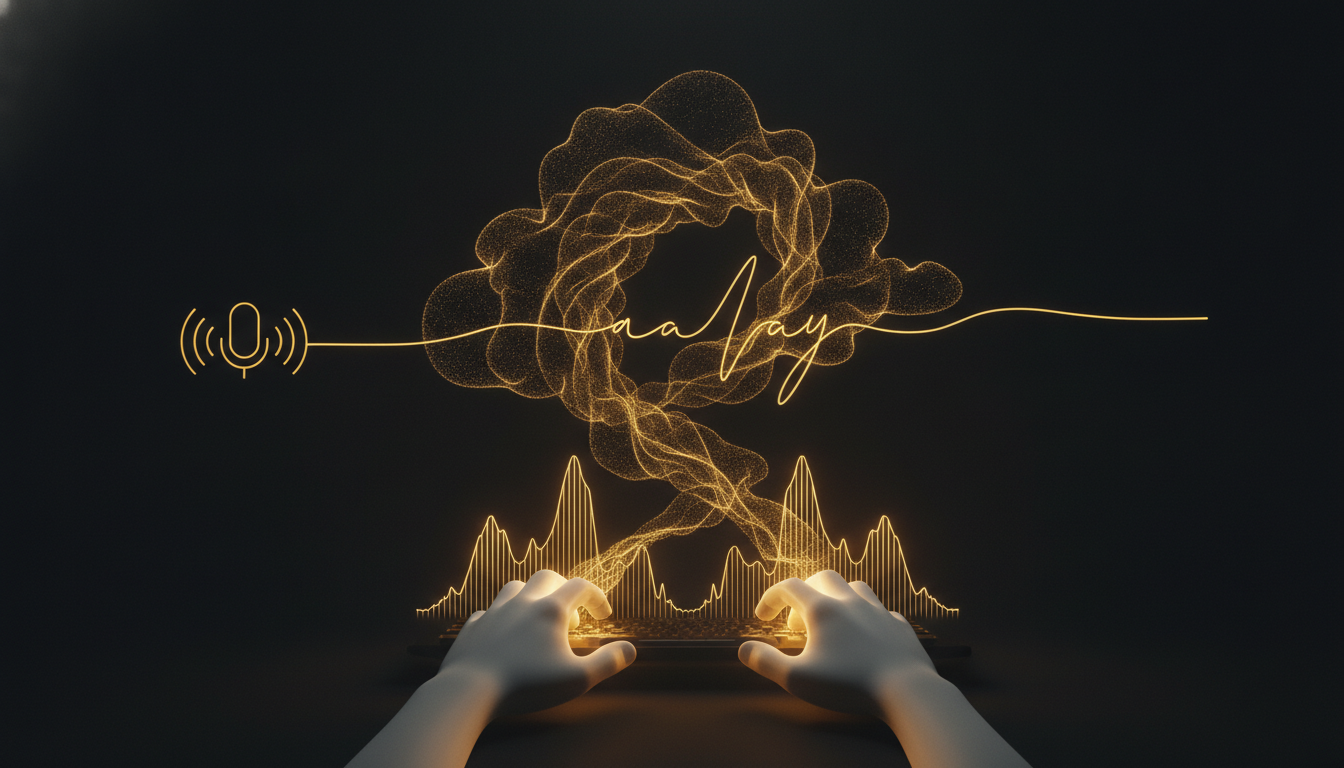
Most people assume they think in text. They don't. They think in something faster and looser, closer to speech than to sentences. The keyboard forces that signal through a narrow pipe. By the time your fingers catch up, the idea has already changed shape.
The Numbers Are Not Close
The average typing speed for adults is around 40 words per minute. Trained touch typists hit 70 to 80. Competitive typists reach 120, but that's a vanishingly small group and they're copying text, not generating it.
Speech is different. Conversational pace runs between 120 and 150 words per minute. You don't have to train for it. You've been doing it since you were two.
That's a 3x gap at the average, and it compounds. When you're composing a long email, drafting a document, or working through a complex idea, the slowness of typing doesn't just slow the output. It interrupts the thinking. You lose the thread.
The Real Cost Is Cognitive, Not Just Physical
Typing requires divided attention. Part of your brain is managing the idea. Another part is operating your hands, watching for typos, and correcting errors. That split is small for routine tasks. For anything creative or complex, it matters.
Speaking externalizes the idea without that overhead. You hear yourself think. The sentence forms in real time and you can follow it somewhere new. Writers who dictate often report that their drafts are looser and more natural, closer to how they actually reason through a problem.
This isn't a theory. Authors like John Grisham and Dan Brown have used dictation for years. Productivity researchers have documented the difference. The bottleneck is mechanical, and mechanics can be changed.
Why Dictation Failed Before
For most of its history, voice-to-text software was too slow and too inaccurate to trust. You'd dictate a sentence, wait two seconds, and watch it come back wrong. The correction process ate all the time you'd saved. People tried it, got frustrated, and went back to the keyboard.
Local, fast transcription changes that equation. Tools like VoiceInk process your speech on your Mac without sending it to a server. There's no lag waiting for a round trip to the cloud. Words appear almost as fast as you say them, and accuracy on a decent microphone is high enough that correction stops being a constant chore.
When the friction drops below a certain threshold, the behavior change becomes possible. That threshold matters more than people expect.
Where the Gap Shows Up in Real Work
Think about the last time you needed to write something longer than three paragraphs. An email to a client, a spec document, a blog post. How long did you sit with the cursor blinking before you wrote the first sentence?
That pause is partly psychological, but it's also mechanical. The keyboard signals effort. Speaking feels cheaper, so the barrier to starting is lower. Many people who dictate report that the hardest part of writing, getting the first words out, becomes noticeably easier.
The same applies to note-taking after a meeting, capturing an idea while you're away from your desk, or writing a reply when you're already mentally tired. Voice trades a physical load for almost none.
It's Not About Replacing Typing
Keyboards are still the right tool for a lot of things. Code, spreadsheets, short replies, anything where precision and structure matter more than speed. The question isn't whether to abandon the keyboard. It's whether you're using the right input method for the right task.
For generating text, speech has a structural advantage. The bottleneck is real and measurable. Removing it doesn't just make you faster. It changes what you're willing to write in the first place.
If you haven't tried dictating a full draft since the early voice recognition days, the technology has moved far enough that it's worth another look.
Don't type. Speak.
VoiceInk Pro for a full year at $50 instead of $69. Wispr Flow charges $144 a year; this is about a third of that. Mac and Windows, cancel anytime.
Get a year for $50Code READER50 is applied at checkout. Not ready to pay? Download VoiceInk free.