Why Your Hands Are the Bottleneck (And How to Fix It)
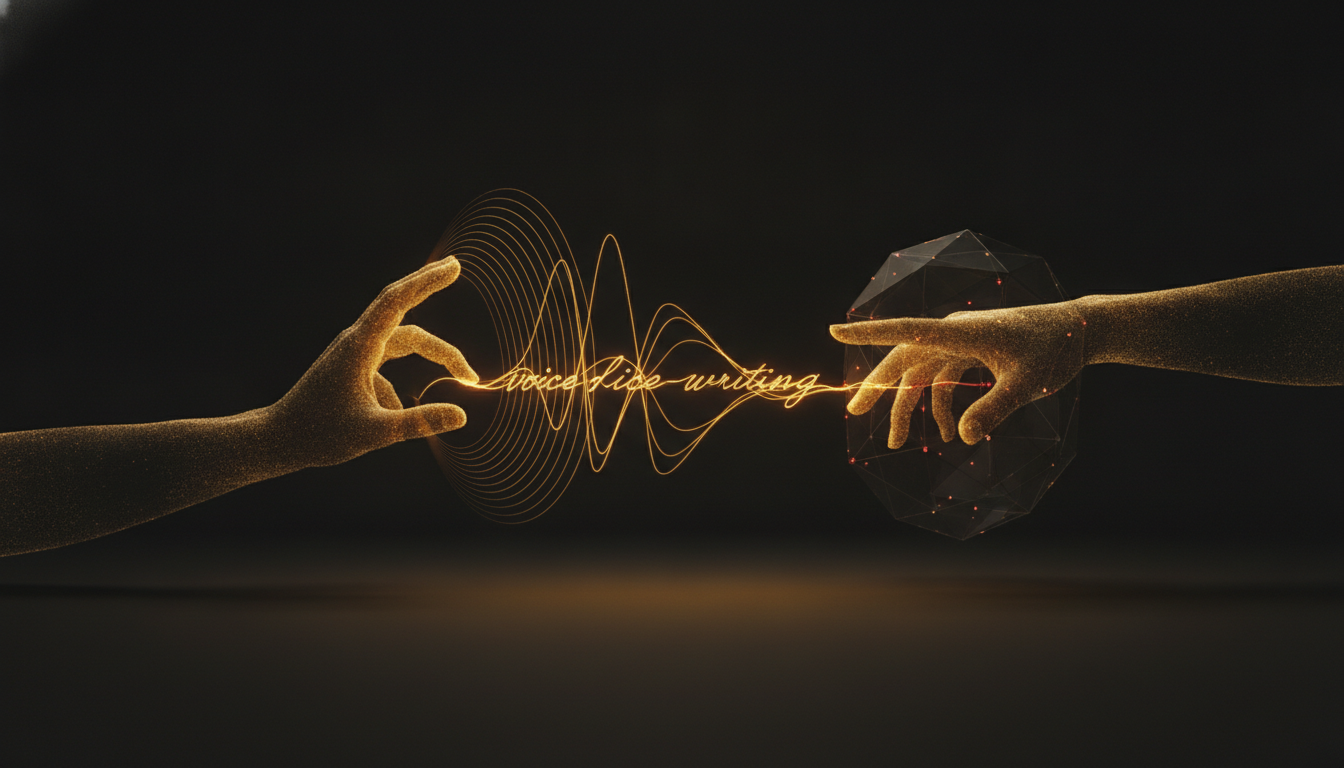
Most people assume they think in text. They don't. They think in ideas, images, and half-formed sentences that arrive faster than any keyboard can capture them. The keyboard isn't a neutral tool. It's a filter, and it cuts more than you realize.
The Numbers Don't Lie
The average office worker types around 40 words per minute. A fast typist hits 70 to 80. The average person speaks at 130 words per minute, comfortably, without trying. That's not a small gap. That's the difference between keeping up with your thoughts and constantly falling behind them.
When you're writing an email, drafting a report, or working through a problem in a document, you're not just transcribing words. You're thinking. And every time your fingers can't keep up, you lose something. A phrase. A connection. A thread you were pulling on that snapped before you could finish.
What Gets Lost in the Gap
Typing slowly doesn't just make you slower. It changes what you write. You start editing before you've finished thinking. You cut sentences mid-thought because holding an idea in your head while your hands catch up is mentally expensive. You end up with writing that's more cautious, more clipped, and less alive than what you actually meant to say.
This is especially true for first drafts. The goal of a first draft is to get the idea out, not to get it right. But the physical act of typing nudges you toward premature precision. You fix a typo. You reread a sentence. You lose the thread.
Your Hands Are Doing Too Much
Consider everything your hands manage in a workday. Keyboard shortcuts, mouse clicks, scrolling, switching windows, adjusting your chair. They're already busy. Asking them to also be your primary output channel for thousands of words a day is a lot.
Over time, that load shows up. Wrist fatigue, tight forearms, the early signs of repetitive strain. Most people don't notice until it's already a problem. By then, rest and recovery take weeks, not days.
Voice changes the equation. When you speak, your hands can rest, or handle the mouse, or do nothing at all. Your cognitive load drops because you're not juggling the physical act of typing alongside the mental act of composing. The words come faster and they come more naturally.
The Objection Most People Have
The usual pushback is accuracy. People assume voice dictation produces garbage that takes longer to clean up than it would have taken to just type. That was true five years ago. It's not true now.
Modern local dictation tools like VoiceInk transcribe in real time with accuracy that holds up in normal use. You speak a sentence, it appears. You move on. The error rate is low enough that light editing is all you need, not a full rewrite. And even with occasional corrections, the net speed is still faster than typing for most people.
How to Start Thinking of Voice as an Output Channel
The shift isn't technical. It's mental. You have to stop thinking of your keyboard as the only legitimate way to produce text and start treating your voice as a first-class input.
Start small. Dictate one email a day. Or use voice to capture rough notes when you're working through a problem. Notice how much faster the ideas come when your hands aren't involved. Notice how the sentences feel different, less constructed, more direct.
That looseness is a feature. It's closer to how you actually think. With a little practice, you stop hearing your own voice as strange and start hearing it as the fastest tool you have.
If you've never tried dictating seriously, it's worth giving it a real week. Not one frustrated session. A week. The gap between speaking and typing is real, and once you feel it working in your favor, it's hard to go back.
Stop typing. Start talking.
VoiceInk turns your voice into text in any app. Local, fast, private. Free to start.
Download VoiceInk Free