Why Your Hands Are the Bottleneck (And Your Voice Isn't)
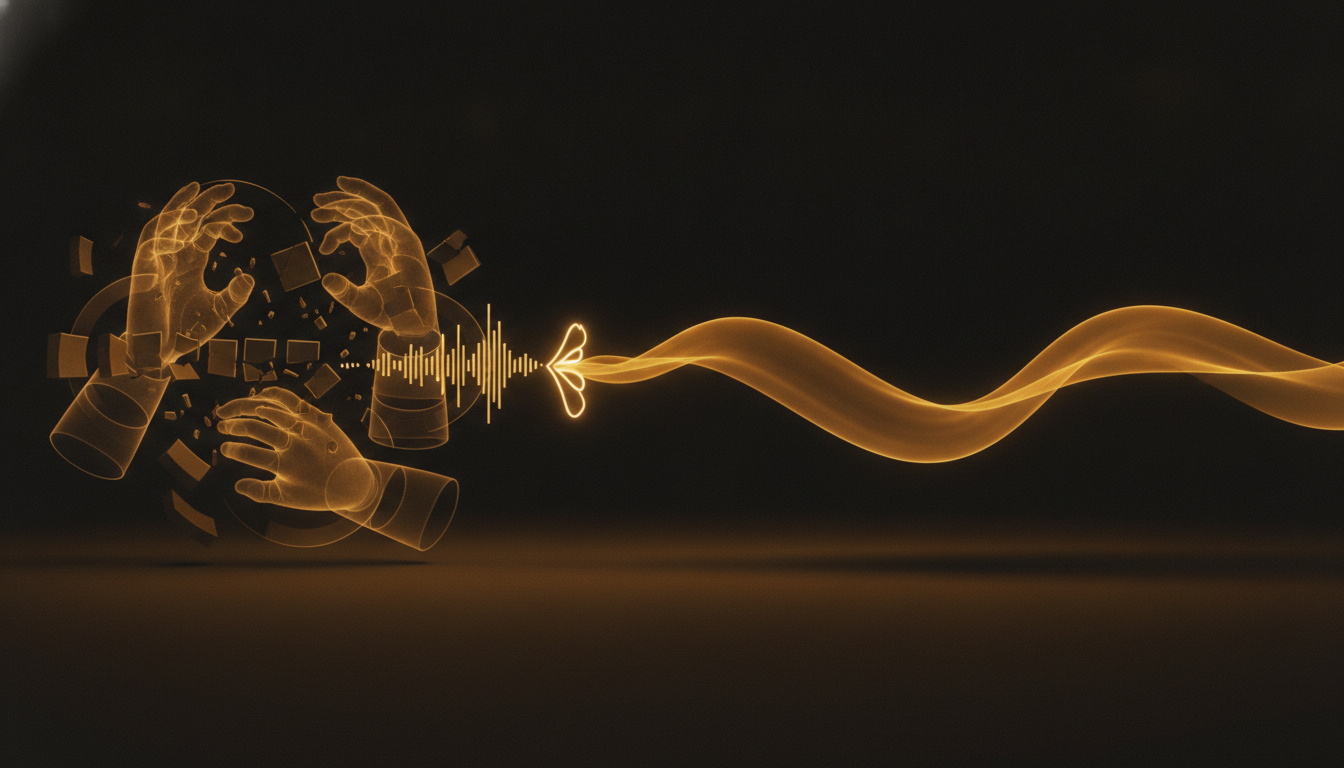
Most people assume they think in text. They don't. They think in bursts, in half-formed sentences, in momentum. Then they sit down to type and the momentum stalls. The keyboard is not neutral, it is a filter, and a lot of your best thinking never makes it through.
The Numbers Are Not Close
The average office worker types around 40 words per minute. A decent typist hits 70. Even the fastest typists in the world max out around 120 on a good day. Speaking? Most people land between 120 and 150 words per minute in normal conversation, without trying.
That means typing is, at best, half the speed of talking. For most people, it is slower than that. Every time you write, you are running your thoughts through a bottleneck you did not choose.
What Gets Lost in the Gap
Speed is not just about volume. It is about capturing ideas before they dissolve. Anyone who has ever lost a thought mid-sentence knows this. You start a paragraph with a clear idea in mind, you slow down to find the right word, and by the time you have typed it out, the next thought is gone.
This is not a focus problem. It is a throughput problem. Your brain generates faster than your fingers can transcribe.
Writers feel this acutely. So do developers writing documentation, or anyone trying to get a rough draft out before the idea cools. The frustration is real, and it compounds over a full day of work.
RSI Makes It Worse
For a lot of people, the bottleneck is not just speed, it is pain. Repetitive strain injuries affect millions of keyboard users. Carpal tunnel, tendinitis, and general wrist fatigue do not just hurt, they slow you down further. You start self-editing just to avoid the extra keystrokes.
When typing physically costs you, you write less. You send shorter emails. You skip the comment in the code. You do not write the idea down because the effort does not feel worth it in the moment. Those are real costs, even if they are hard to see.
Voice Changes the Equation
Speaking removes the physical layer entirely. There is no finger placement, no autocorrect fighting you, no wrist angle to manage. You think, you talk, the words appear.
This is what tools like VoiceInk are built for. You press a key, say what you mean, and it lands in whatever app you are already using. No special window, no mode-switching, no copy-paste step. The transcription is local, so there is no round trip to a server, which means it is fast enough to keep up with normal speech.
The result is not just more words per minute. It is fewer dropped ideas. It is first drafts that actually sound like your thinking, not a compressed version of it.
The Adjustment Is Real But Short
Dictating feels awkward at first. Typing has years of muscle memory behind it. Speaking into a microphone to write something feels strange, slightly performative, like you are leaving a voicemail for yourself.
Most people get past this in a few days. The trick is not to aim for perfect sentences. Dictation works best when you treat it like thinking out loud, not like composing. You can edit after. The goal at first is just to let the ideas move at full speed.
Once that clicks, going back to typing feels like writing with oven mitts on.
One Thing Worth Trying
Pick one recurring writing task, a weekly email, a standup update, a journal entry, and do it by voice for a week. Don't edit while you dictate. Just talk and let it land.
Most people are surprised by how much faster they finish, and how much more the output sounds like them. That is what happens when you remove the bottleneck.
Don't type. Speak.
VoiceInk Pro for a full year at $50 instead of $69. Wispr Flow charges $144 a year; this is about a third of that. Mac and Windows, cancel anytime.
Get a year for $50Code READER50 is applied at checkout. Not ready to pay? Download VoiceInk free.