Why Your Hands Are the Bottleneck (And How to Fix It)
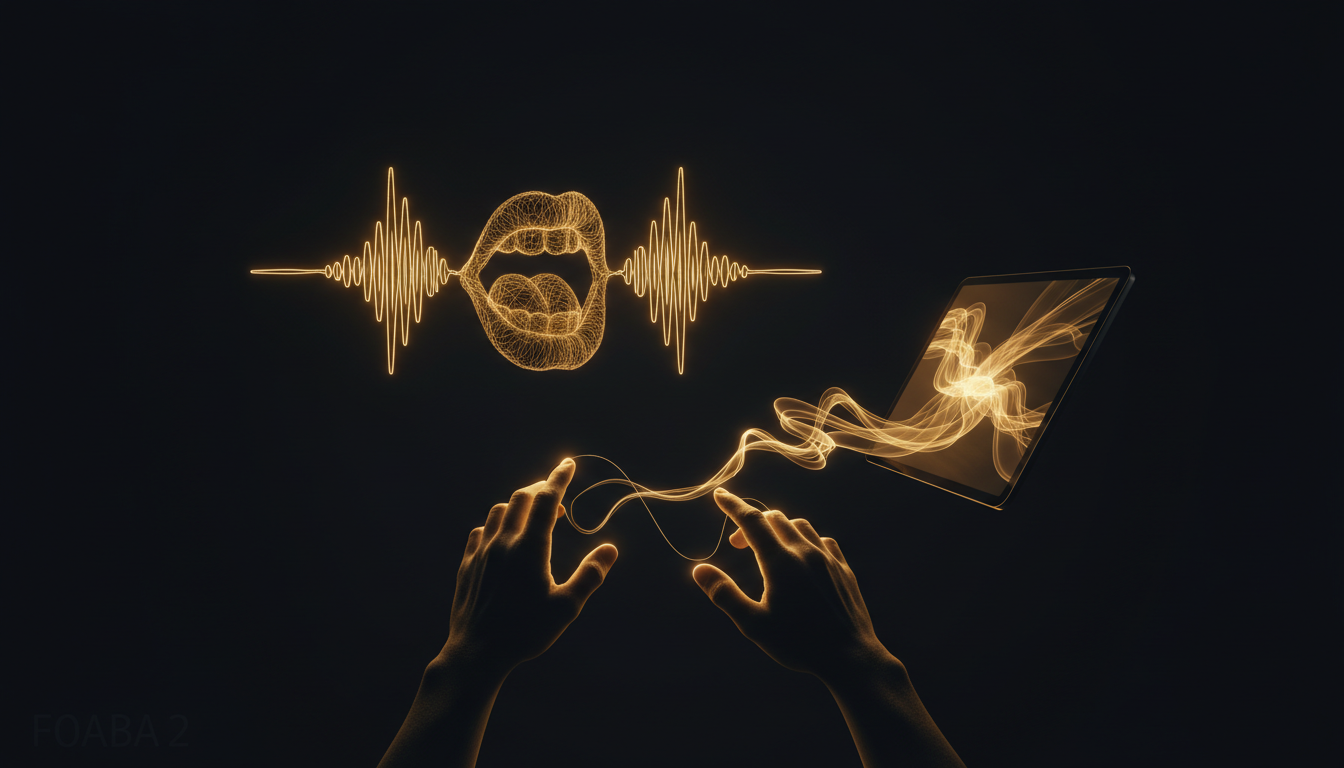
Most people assume they think at the speed they type. They don't. The average knowledge worker types around 40 words per minute. The average person speaks at 130. That's not a small gap. That's three times as much thought left on the table every minute you spend at a keyboard.
The Math Nobody Does
Take a 500-word email. At 40 words per minute, you're spending over 12 minutes just on the mechanical act of typing it, before you account for backspacing, reformatting, and losing your train of thought mid-sentence. Speak that same email and you're done in under four minutes. Over a full workday, the compounding effect is significant.
This isn't about typing speed as a skill. Even fast typists, clocking 80 or 90 words per minute, still speak faster. And fast typists often edit more aggressively as they go, which slows output even further.
Thought Has a Different Speed Than Text
The real cost isn't just time. It's cognitive friction. When your hands can't keep up with your brain, something gets dropped. Ideas that felt clear 10 seconds ago get compressed or abandoned because the pipeline from thought to text is too narrow.
This is especially obvious in first-draft writing. Writers who dictate their drafts consistently report that ideas feel more complete, more conversational, and easier to follow. The hand is not just slow; it interrupts the signal.
Developers feel this too, particularly when writing documentation or code comments. The code itself might flow fine, but the moment you switch to explaining it in prose, the keyboard becomes the weakest link.
Why Keyboards Stuck Around
Keyboards are precise, quiet, and good for structured input. A form, a command line, a block of code: these are tasks where character-level accuracy matters and speaking would actually be slower. The keyboard isn't going away.
But most people use keyboards for everything, including long-form prose, emails, notes, and messages, because that's what's in front of them. Convenience became habit, and habit became assumption.
The assumption is that typing is just what writing looks like. It isn't. Typing is one method. It became default because alternatives used to be bad.
When Voice Input Became Actually Usable
For a long time, voice dictation on computers was frustrating enough to not be worth it. Accuracy was poor, latency was high, and the setup required too much configuration to make it practical. Most people tried it once and went back to the keyboard.
That changed. On-device transcription models are now fast enough and accurate enough that dictating feels close to real-time. Apps like VoiceInk run the whole process locally on your Mac, so there's no audio being sent to a server, no waiting for a round trip, and no internet dependency. You press a key, speak, and your words appear in whatever app you're working in.
The bar went from "tolerable" to "actually faster" for most prose tasks.
What to Dictate and What to Type
Not everything benefits from voice. Short passwords, code syntax, and precise commands are still better typed. But anything involving connected sentences is a candidate for dictation.
Emails, meeting notes, Slack messages, article drafts, documentation, journal entries: all of these are faster and often better when spoken. The friction of typing them creates the illusion that writing is hard when sometimes the problem is just the input method.
If you've never seriously tried dictating your work, the gap between what you can think and what your hands can produce is probably larger than you realize. Closing that gap doesn't require new skills. You already know how to talk.
Try dictating your next email and see how long it actually takes.
Don't type. Speak.
VoiceInk Pro for a full year at $50 instead of $69. Wispr Flow charges $144 a year; this is about a third of that. Mac and Windows, cancel anytime.
Get a year for $50Code READER50 is applied at checkout. Not ready to pay? Download VoiceInk free.