Why Your Hands Are the Bottleneck (And What to Do)
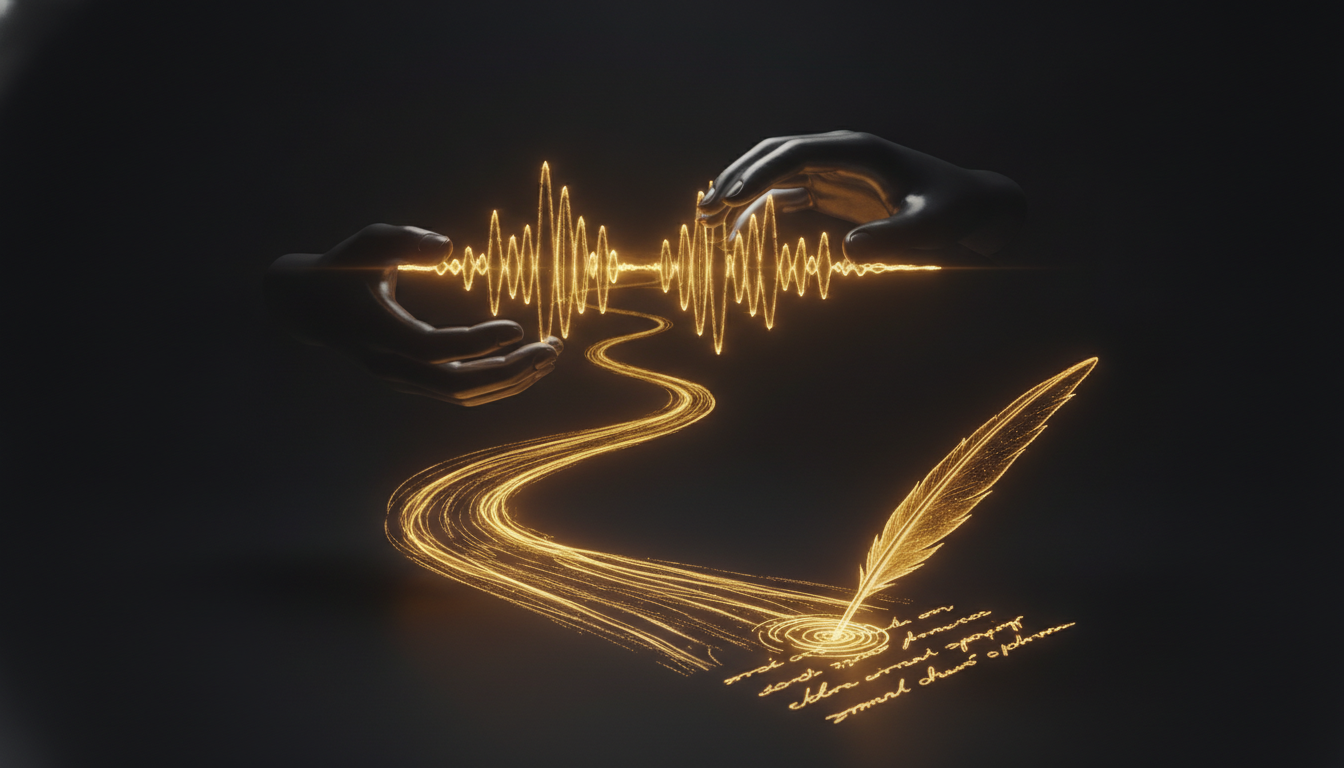
The average person speaks at 130 words per minute. The average typing speed is around 40. That means every time you sit down to write, you're running your thoughts through a filter that throws away two-thirds of them. The bottleneck isn't your brain. It's your hands.
The Math Is Brutal
If you write for two hours a day, a 40 WPM typist produces roughly 4,800 words. A speaker at 130 WPM could produce over 15,000. Obviously you're not talking non-stop for two hours, and spoken words need editing. But the ceiling matters. When your output mechanism is slow, you unconsciously slow your thinking to match it. You stop mid-sentence to correct a typo. You lose the thread. You write shorter sentences because long ones feel like work.
The keyboard was designed in 1873 to slow typists down so mechanical keys wouldn't jam. It was never optimized for thought.
The Cognitive Cost Nobody Talks About
Typing isn't just slow. It's distracting. Every time you backspace, reformat, or reach for a shortcut, you're pulling attention away from what you were actually trying to say. Researchers call this the "transcription bottleneck," and it's well documented in writing research. When the physical act of writing is effortful, writers produce less complex ideas and shorter arguments.
This is especially visible in first drafts. Writers who dictate their first drafts often report that their sentences are longer, their arguments more developed, and their overall output higher. Not because talking is magic, but because they stopped fighting their own tools.
Where Typing Still Wins
Fairness requires acknowledging where keyboards have the edge. Precise editing, writing code, filling forms, anything that requires exact placement of a cursor or character. Typing is also quieter, which matters in shared spaces. And for some people, the physical act of typing is part of their thinking process, a deliberate slowness that helps them compose.
But for drafting, brainstorming, capturing ideas, writing emails, documentation, or long-form prose, the keyboard is rarely the right tool. It's just the default one.
What Happens When You Switch
The first few sessions of voice dictation feel strange. You'll pause more than you expect. You'll say "um" and then worry about it. But within a week, most people find that their drafts are longer and their editing sessions are shorter, because they captured more of the original idea before it evaporated.
Apps like VoiceInk make this accessible on Mac without sending your words to a server. You press a key, speak, and the text appears wherever your cursor is. The local processing means there's no noticeable delay, which matters more than it sounds. A half-second lag between your mouth and the screen is enough to break the flow.
Breaking the Habit
The keyboard is comfortable because it's familiar. Switching to voice feels like regression, like going backward. It isn't. It's choosing a tool that matches your brain's actual speed instead of one your fingers happen to know.
Start small. Dictate your next email instead of typing it. Dictate a rough outline for your next document. Give yourself three sessions before you judge it.
Your thoughts move faster than your fingers ever will. There's a tool built for that speed. It might be worth trying.
Don't type. Speak.
VoiceInk Pro for a full year at $50 instead of $69. Wispr Flow charges $144 a year; this is about a third of that. Mac and Windows, cancel anytime.
Get a year for $50Code READER50 is applied at checkout. Not ready to pay? Download VoiceInk free.