Why Your Hands Are the Bottleneck (And How to Fix It)
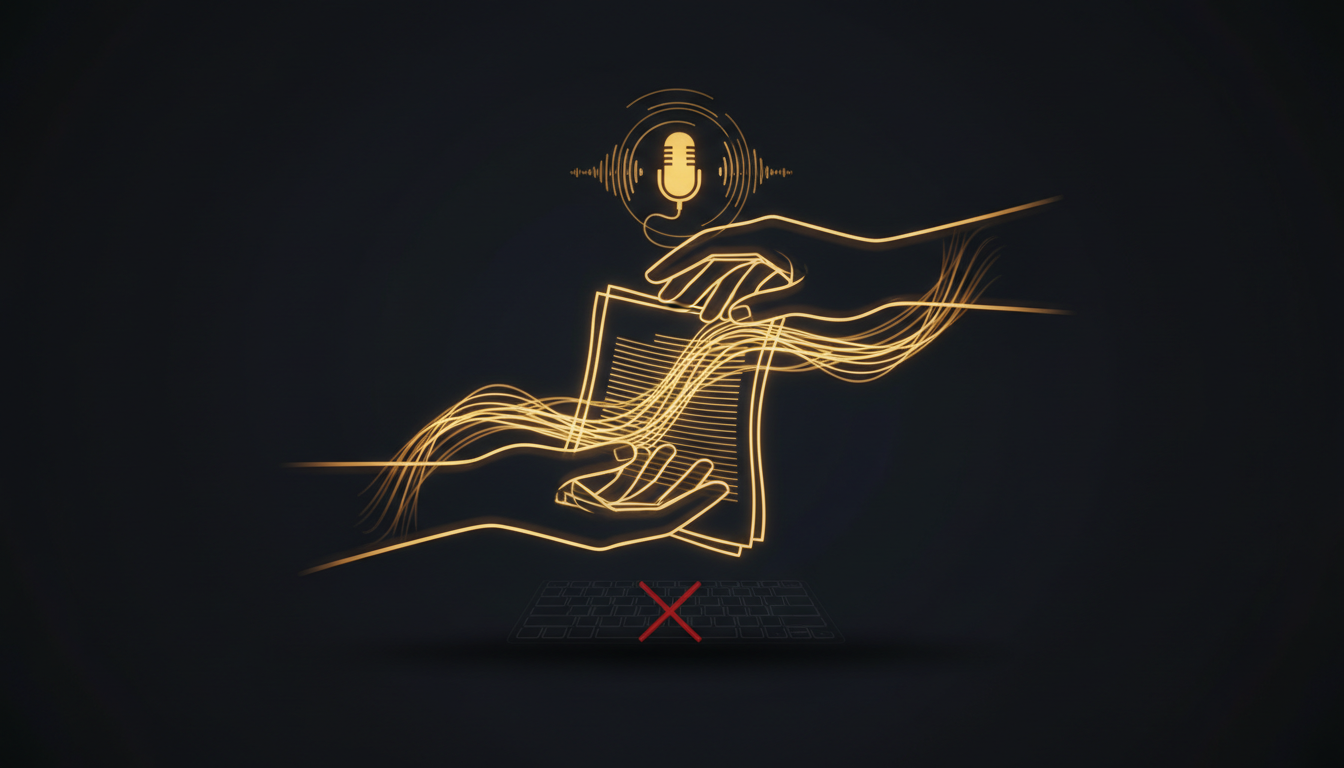
The average person types around 40 words per minute. The average person speaks at 130. That is not a small gap. That is three times the throughput, sitting unused every time you sit down to write.
Your hands are not the problem. The keyboard is the bottleneck.
The Speed Math Nobody Talks About
A 1,000-word email takes roughly 25 minutes to type at average speed. Spoken, that same email takes about 8 minutes. Over a full workday of writing, that difference compounds into hours. Not minutes. Hours.
Professional typists top out around 80 to 100 words per minute. That sounds fast until you realize most people never get close. The national average hovers between 38 and 44 words per minute for everyday computer users. Meanwhile, your conversational speech rate is already faster than the best typists in the room.
Thinking Faster Than You Can Type
Here is the real cost. When your fingers cannot keep up with your brain, you do not just slow down. You lose things. A thought that arrives mid-sentence gets dropped because you are still finishing the previous one. The edit-as-you-go habit kicks in. You pause, reread, second-guess. The flow breaks.
Writers call this the inner critic problem. But a lot of what feels like writer's block is actually just mechanical friction. Your hands cannot keep pace, so your brain throttles itself to match.
When you speak instead, the lag disappears. You stop editing mid-thought because speech moves too fast for that. You finish ideas instead of abandoning them.
The Cognitive Load of Typing
Typing is not neutral. It requires a constant low-level attention that speech does not. You monitor for typos. You reach for keys. You glance down. That background processing is small per keystroke but significant across an hour of work.
Dictation, once it becomes habit, frees that attention. You think about what you are saying instead of how you are producing it. The output gets better, not just faster.
What Changes When You Switch
People who move to voice-first writing often report the same thing: their first drafts are longer and rougher, but their ideas are more complete. They stop trimming sentences before they finish them. They follow a thought to its end instead of cutting it short to save time.
Tools like VoiceInk make this practical on a Mac. Press a key, speak, and the text lands wherever your cursor is. No copy-pasting, no separate app. The friction is low enough that dictation becomes a real option for everyday work, not just long-form projects.
The Bottleneck Is Learnable
None of this means typing is bad. For code, for precise edits, for short commands, a keyboard is the right tool. The point is that typing is often chosen by default, not because it is optimal.
For emails, for notes, for first drafts, for any writing where getting ideas out fast matters, speech is faster by a wide margin. The bottleneck is not intelligence or creativity. It is a hardware problem, and you already have the upgrade built in.
Try It on One Task First
Pick one thing you write every day. A morning status update, a reply to a long email, a project note. Try dictating it instead of typing it for one week. Track how long it takes. Read it back afterward and check whether the quality actually suffers.
Most people find it does not. They find it is faster and that their sentences are fuller. The bottleneck was real, and removing it changes how they write.
If you have never tried dictation seriously, this week is a reasonable time to start.
Stop typing. Start talking.
VoiceInk turns your voice into text in any app. Local, fast, private. Free to start.
Download VoiceInk Free