Why Your Hands Are the Bottleneck (Not Your Brain)
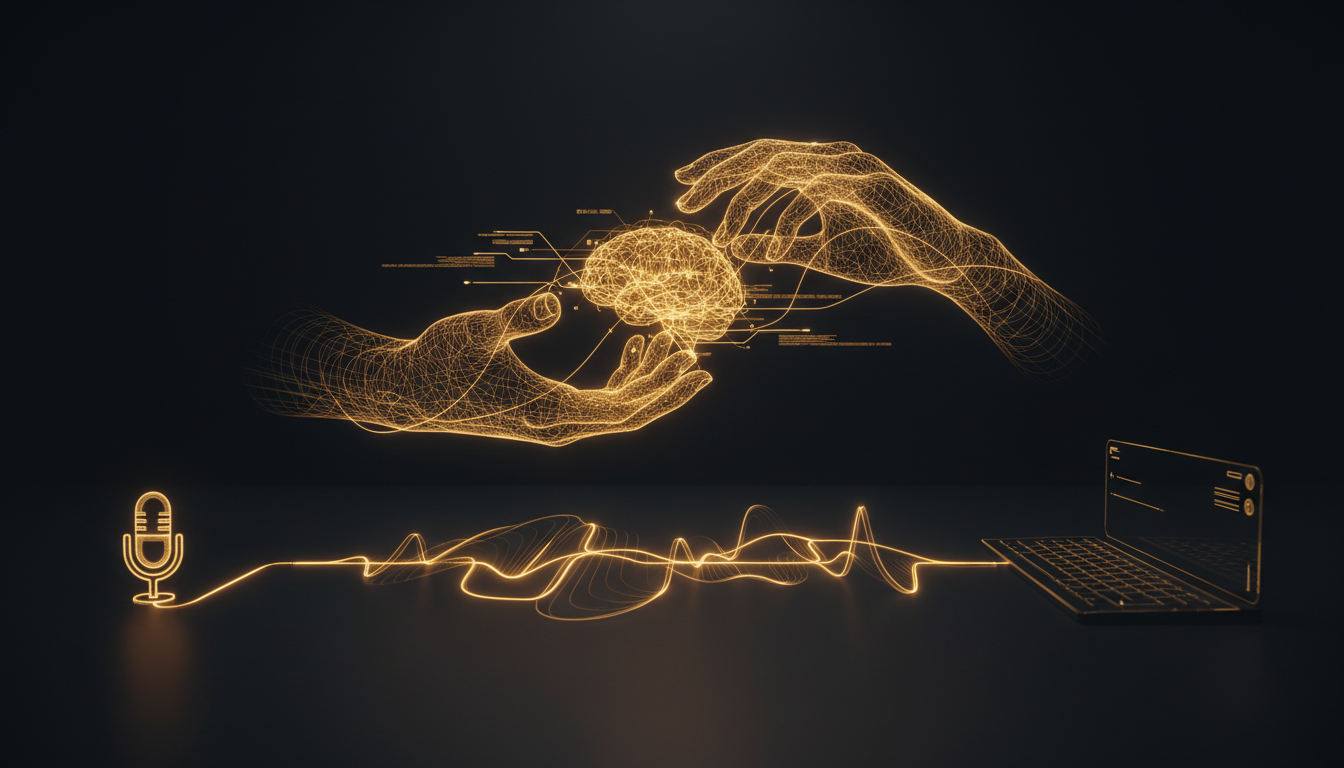
Most people assume they write slowly because they think slowly. That's almost never the problem. The problem is the keyboard sitting between your thoughts and the page. Your brain is ready. Your fingers are not.
The Numbers Don't Lie
The average person types 40 to 60 words per minute. Trained touch typists push that to around 80 or 90. The fastest typists in the world, the ones who compete, hit 120 to 150 words per minute. That sounds fast until you compare it to speech.
The average person speaks at 130 to 150 words per minute in casual conversation. When they're thinking out loud, working through an idea, that rate stays consistent. With a little practice, dictation gets you to 160 or even 180 words per minute.
The gap between a good typist and a decent dictator is roughly 2x. For someone typing at 50 words per minute, it's closer to 3x. That multiplier compounds across every email, every document, every note you write.
What Gets Lost in the Gap
Speed is only part of the story. The real cost is cognitive. When your hands can't keep up with your brain, you start to edit before you've finished thinking. You cut the sentence short. You simplify the idea. You lose the second half of a thought because the first half took too long to get down.
Writers call this the inner critic problem. But often it's not a critic at all. It's just lag. The delay between thinking and typing is long enough for doubt to move in.
Dictation closes that gap. When you speak, the thought and the output happen at nearly the same speed. You finish the idea before your brain has time to second-guess it.
The Keyboard Is a 140-Year-Old Tool
The QWERTY layout was designed in the 1870s, partly to slow typists down so mechanical keys wouldn't jam. The physical constraint was baked in from the start. We've optimized around it for decades, with better switches, ergonomic splits, mechanical keyboards that cost more than laptops, but the fundamental interface is still the same.
Voice input has existed for years, but early versions were slow, inaccurate, and required an internet connection that sent your words to someone else's server. That friction made it easy to dismiss.
Tools like VoiceInk changed the equation. Transcription runs locally on your Mac, which means it's fast, private, and works without a connection. You press a key, speak, and your words appear wherever your cursor is. The friction dropped low enough that voice actually competes with typing in daily use.
When Typing Still Wins
This isn't an argument to throw out your keyboard. Typing is better for short commands, precise code syntax, passwords, and situations where speaking out loud isn't practical. Open offices, libraries, phone calls, late nights when someone's sleeping nearby.
But for prose, for long emails, for documentation, for first drafts, for any output measured in sentences rather than keystrokes, dictation wins on volume and often on quality.
Try the Experiment Yourself
Pick one task you do every day that involves writing at least a few paragraphs. An email update to your team, a journal entry, a meeting summary. Do it by typing one day, then dictate it the next.
Measure the time. Read both versions. Most people are surprised to find the dictated version is longer, faster, and often more natural in tone. That's not magic. That's just your brain finally getting to run at its own speed.
If you've never tried dictating seriously, give it a real week. Not one awkward attempt, but five days of using it for the writing you'd do anyway. The bottleneck you've been blaming on yourself might turn out to be the keyboard.
Stop typing. Start talking.
VoiceInk turns your voice into text in any app. Local, fast, private. Free to start.
Download VoiceInk Free