Why Your Hands Are the Bottleneck (Not Your Brain)
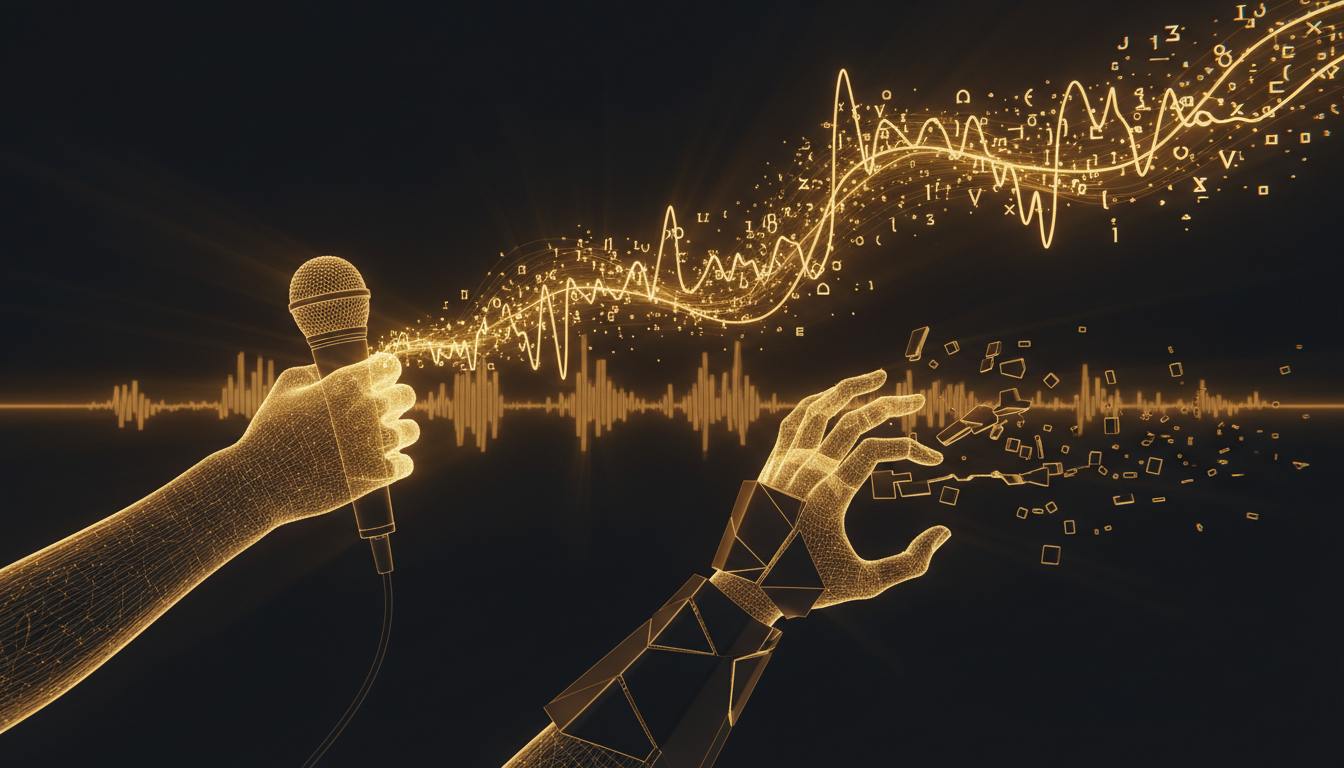
Most people assume they think slowly. They don't. They type slowly. The average professional types around 40 words per minute. The average person speaks at 130. That's not a small gap, it's three times the throughput, and it changes everything about how you work.
The Thought-to-Text Problem
When you're writing an email, a doc, or a piece of code comment, your brain has already formed the idea before your fingers start moving. The delay between thinking and typing isn't neutral. It costs you the idea's momentum. By the time you've typed the first sentence, the second one has faded.
This is especially bad for first drafts. Writers know the feeling: you had the paragraph in your head, clear and sharp, and by the time you've typed half of it, the rest is gone. You weren't slow because you were thinking. You were slow because your hands couldn't keep up.
Typing Speed Has a Ceiling
Practicing touch typing helps, but there's a hard ceiling. Professional transcriptionists, people who type for a living, average around 75 to 90 words per minute. Even at 90 words per minute, you're still moving at less than 70 percent of your natural speaking rate. And you're spending cognitive effort on the act of typing itself, effort that isn't going toward your actual thought.
Speaking requires almost none of that overhead. You learned to talk before you could read. It's the most natural output method you have.
What You Lose in the Gap
The cost isn't just speed. It's quality. When output is slow, most people unconsciously pre-edit. They compress thoughts before expressing them. They skip the nuance because it feels like too much to type. They write shorter sentences, fewer examples, less context.
When you dictate, the friction drops enough that you stop pre-editing. You say the thing you actually mean, the full version, not the abbreviated one that fit inside your typing patience.
Voice Isn't Just for Transcription
A common objection is that voice capture is only useful for rough notes, not real writing. That's not true for most people who try it seriously. Once you stop thinking of dictation as a workaround and start treating it as a primary input method, the output quality catches up fast.
Tools like VoiceInk make this practical on a Mac. You press a key, speak into any app, and the text appears where your cursor is. There's no mode-switching, no separate interface. It works in your email client, your code editor, your notes app. The friction is low enough that you can actually build a habit around it.
The Shift Worth Making
This isn't about replacing typing entirely. It's about recognizing where the bottleneck is and doing something about it. For short bursts, typing is fine. For anything longer than a few sentences, the math starts working against you.
If you've ever had a great idea dissolve between your brain and the keyboard, that's the bottleneck showing itself. Speaking is the fastest way most people will ever get thoughts out of their head and into a document.
The gap between 40 words per minute and 130 isn't a technical problem. It's a habit problem. Give dictation a real week, not a single awkward try, and see what you're actually capable of producing.
Stop typing. Start talking.
VoiceInk turns your voice into text in any app. Local, fast, private. Free to start.
Download VoiceInk Free