Why Your Hands Are the Bottleneck (And What to Do About It)
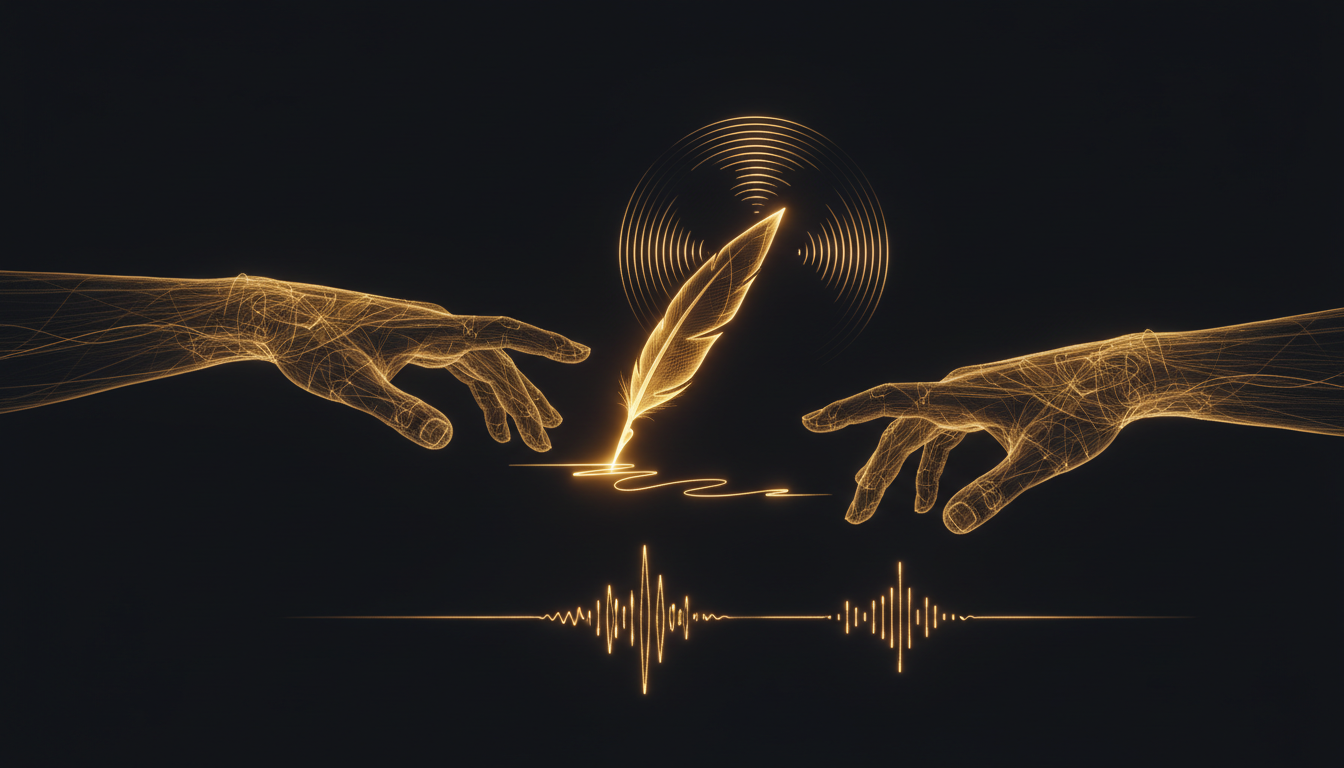
Most people assume they think in text. They don't. You think in ideas, images, and half-formed sentences that arrive faster than any keyboard can catch them. The moment you start typing, you're already losing something.
The Numbers Are Not Close
The average typing speed sits around 40 words per minute. Fast typists, the ones who feel quick, hit 70 to 80. Professional transcriptionists push past 100. But nearly everyone speaks comfortably at 120 to 150 words per minute without any training.
That's not a small gap. At 40 words per minute versus 130, you're operating at less than a third of your natural output speed. Over an eight-hour workday, that difference compounds into hours of lost time and thousands of lost words.
What Gets Lost in Translation
The problem isn't just speed. It's cognitive load. When you type, part of your brain is always managing the physical act: finger placement, typos, autocorrect misfires, reaching for the delete key. That overhead is small on any single keystroke, but it never stops. It sits in the background, interrupting the thread of your thinking.
Writers know this feeling. You're mid-thought on something good, and then you misspell a word and your train of thought derails. Developers feel it too, pausing to type out a long variable name or a multi-line comment instead of just saying what they mean.
Speaking removes that layer entirely. Your mouth follows your mind without negotiating with your fingers.
The Keyboard Was Not Designed for Thinking
QWERTY was optimized for mechanical typewriters in the 1870s. The layout was designed partly to slow typists down and prevent jamming. We kept it. 150 years later, people are writing novels and shipping software on an input device engineered to avoid a mechanical problem that no longer exists.
Voice input doesn't carry that legacy. It maps directly to how language actually works in your brain.
When Typing Still Wins
This isn't an argument to throw your keyboard away. Typing is precise. It's good for short bursts, structured input like code syntax, passwords, or anything that requires exact characters in an exact order. In quiet public spaces, typing is also just more practical.
But for drafting, for thinking out loud, for getting ideas out of your head and into a document, voice is faster and more natural for most people.
Making the Switch Without Friction
The barrier to voice dictation used to be accuracy. Early voice tools required training, made frequent errors, and ran in the cloud, which meant a delay between speaking and seeing text appear.
Local tools like VoiceInk changed that. Because transcription runs on your machine, there's no round-trip to a server. You press a key, speak, and the words appear in whatever app you're already using. The accuracy on modern local models is high enough that most people stop noticing errors within a few days of use.
The bigger shift is mental. You have to give yourself permission to speak in incomplete sentences, to circle back, to think out loud. That feels inefficient at first. It isn't. A rough spoken draft at 130 words per minute beats a polished mental draft at 0 words per minute every time.
Start Small
You don't need to overhaul how you work. Start with one thing you write every day, an email reply, a Slack message, a quick note. Speak it instead of typing it. See how long it takes.
Most people are surprised. What felt like a two-minute email takes 30 seconds to say. The gap between what your hands can do and what your voice can do becomes obvious very quickly.
Once you feel that gap, it's hard to go back to ignoring it.
Stop typing. Start talking.
VoiceInk turns your voice into text in any app. Local, fast, private. Free to start.
Download VoiceInk Free