Protecting Your Wrists: A Practical Guide to Ergonomic Computing
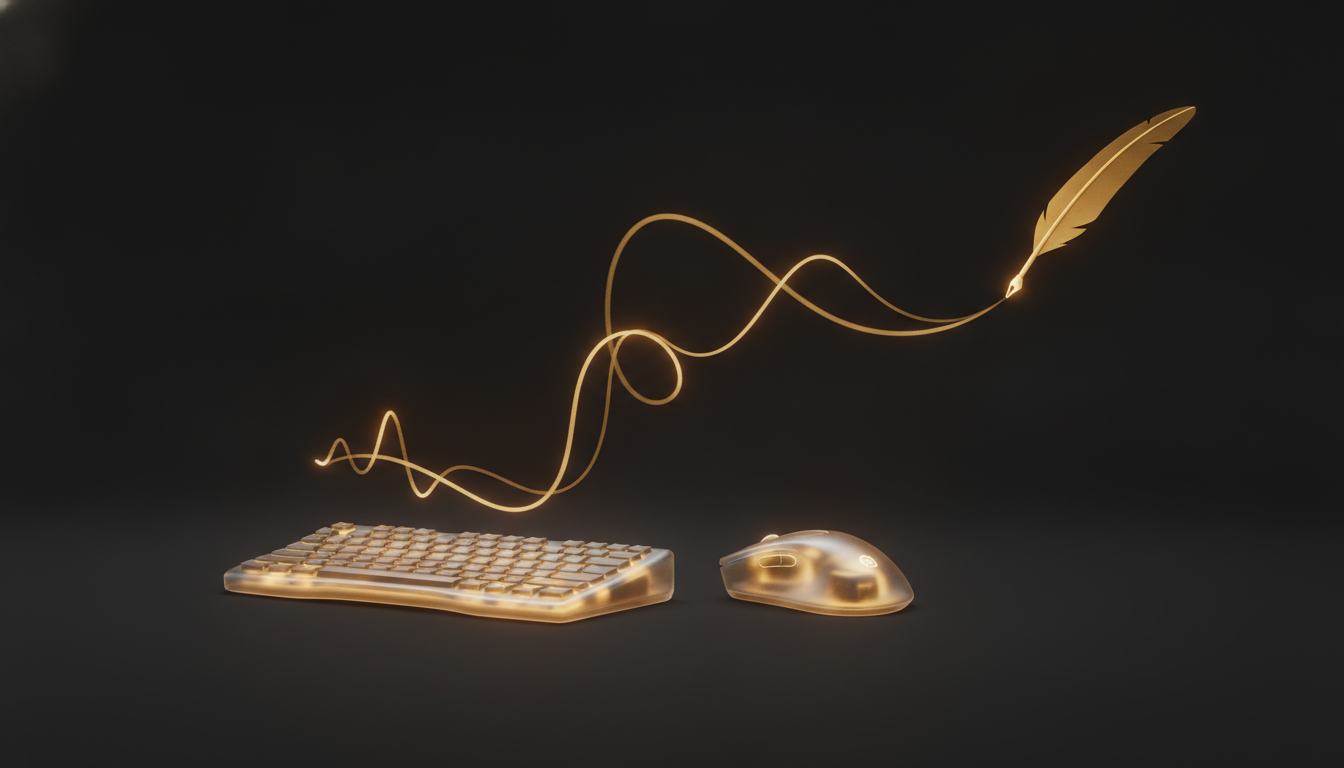
Repetitive strain injury doesn't announce itself. One week your wrists feel fine. A few months later you're icing them after every long session and reading forum posts about ergonomic keyboards at midnight. The gap between fine and injured is filled with small warnings most people ignore because the work doesn't stop.
The goal isn't to treat RSI. The goal is to not get there.
What's Actually Happening to Your Hands
Typing involves small, repetitive contractions of the muscles and tendons in your forearms and hands. Done occasionally, that's nothing. Done for six to eight hours a day, over years, the tendons get inflamed, the carpal tunnel narrows, and the nerves start to complain.
The warning signs are specific: tingling in the fingers, especially the thumb, index, and middle finger. Aching in the forearm after sessions. Weakness when gripping. Pain that wakes you up at night. If two or more of those sound familiar, the time to change something is now, not after a diagnosis.
The Keyboard Isn't the Only Problem
People focus on keyboards, and keyboards matter. But mouse use causes as much strain as typing for many people, sometimes more. The sustained grip and fine motor movement of mouse navigation loads the same tendons. If you're switching between keyboard and mouse hundreds of times a day, that transition is its own source of strain.
Screen height matters too. A monitor that's too low pulls your neck forward, which loads the shoulders, which transfers tension down the arms. Ergonomics is a chain. One weak link affects everything below it.
Reducing Keystroke Volume
The most direct way to reduce hand strain is to press fewer keys. That sounds obvious, but the implementation requires changing habits that have been in place for years.
Text expanders help. If you type the same phrases regularly, an expander lets you trigger a full sentence with three keystrokes. That's a real reduction.
Voice dictation helps more. For sustained prose, switching from typing to dictation can cut your keystroke count by 80 to 90 percent for that task. Tools like VoiceInk run locally on your Mac, transcribe in real time, and drop text wherever your cursor sits. You press one key to start, speak, press one key to stop. For writing-heavy work, that's a significant load reduction.
Rest Is Not Optional
The research on this is consistent. Taking a five-minute break every 30 to 40 minutes of typing does more for long-term hand health than almost any equipment upgrade. Not a break where you scroll your phone. A break where your hands are still and your eyes are off the screen.
Some people use a timer. Some people use apps that enforce breaks. Whatever makes it actually happen is the right method.
Stretching helps too, specifically the forearm flexors. Extend your arm, palm up, and gently pull your fingers back toward your body with your other hand. Hold for 20 seconds. Do it before a long session and after. It takes 90 seconds and it works.
When to Get Serious
If the symptoms are already present, see someone. A physiotherapist who works with musicians or gamers will understand the load pattern better than a general practitioner. They can assess whether there's actual nerve involvement and what the realistic recovery path looks like.
Don't wait until you can't type at all. The earlier the intervention, the faster the recovery.
Your hands are how you do most of your work. Treating them as an afterthought until they break is a costly assumption. Small changes now, fewer keystrokes, better posture, real breaks, are a lot cheaper than six months of recovery later.
If your hands have been sending signals, it's worth listening to them.
Stop typing. Start talking.
VoiceInk turns your voice into text in any app. Local, fast, private. Free to start.
Download VoiceInk Free