Protecting Your Hands: A Developer's Guide to RSI Prevention
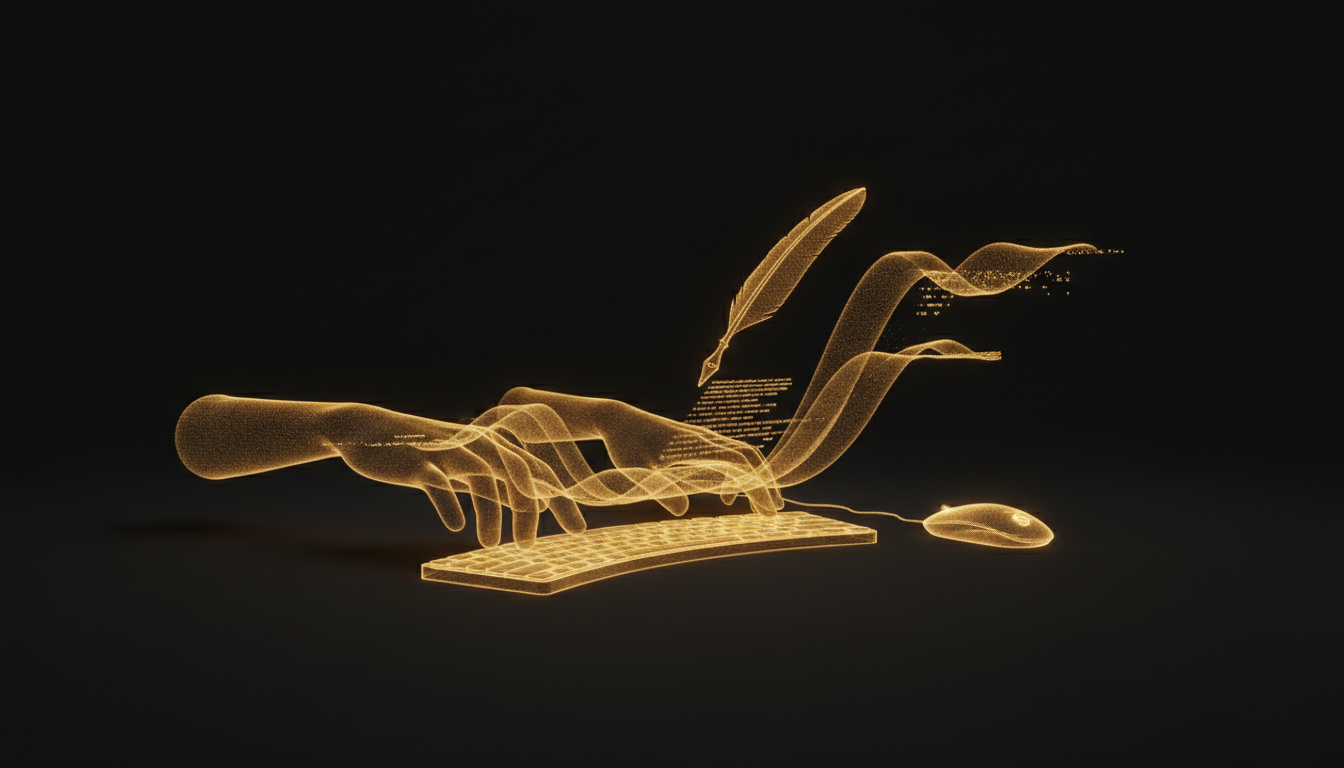
Most developers don't think about their hands until something goes wrong. By then, the problem has usually been building for months. Repetitive strain injury is not a dramatic event. It's a slow accumulation of small stresses that eventually crosses a threshold you can't ignore.
What RSI Actually Feels Like
The early signs are easy to dismiss. A slight ache in the forearm after a long sprint. Stiffness in the fingers in the morning. Occasional tingling in the wrist. Most people assume it's tiredness and push through.
The problem with pushing through is that RSI responds to load. Every hour you continue at the same pace without adjusting is another hour of strain on already stressed tissue. What starts as mild discomfort becomes persistent pain, and persistent pain becomes something that affects your ability to work.
Carpal tunnel syndrome, the most well-known form, compresses the median nerve in the wrist. Symptoms include numbness, weakness in the grip, and pain that can extend up the arm. Surgery is sometimes required. Recovery takes months. Most developers who get there say they wish they had taken the earlier signals seriously.
Where the Load Comes From
A working developer might type 8 to 10 hours a day across a combination of code, documentation, Slack messages, pull request comments, and email. That volume is substantial. The strain is not from any single session but from the aggregate, day after day, year after year.
Keyboard position matters. Wrists that are bent upward or outward while typing put more stress on tendons and nerves than wrists in a neutral position. Most standard desk setups push people into poor wrist angles without them realizing it.
Practical Changes That Help
The most effective interventions are the simplest. Take actual breaks. The 20-20-20 rule is commonly cited for eyes, but it applies to hands too: every 20 minutes, take 20 seconds off the keyboard. Stand, shake out your hands, let the tendons decompress.
Check your wrist position. Your keyboard should sit at a height where your wrists stay roughly flat when typing. A negative-tilt keyboard tray, one that angles slightly away from you, can help achieve this.
Strength and flexibility exercises for the forearm and wrist are genuinely useful. Not complicated ones. Simple wrist circles, finger stretches, and forearm stretches done consistently make a real difference in tissue resilience.
Where Voice Comes In
Reducing keyboard time is one of the most direct ways to lower your RSI risk. Not all coding tasks can move to voice, but many adjacent tasks can. Documentation, inline comments, commit messages, Slack replies, technical notes, bug reports: these are largely prose, and prose is where voice tools work best.
VoiceInk lets you dictate into any app on your Mac, which means you can shift these text-heavy tasks away from the keyboard without changing your tools or your workflow. Developers who use it for documentation and communication typically report a noticeable reduction in daily keyboard time without losing productivity.
That reduction adds up. If two hours of your eight-hour day move from typing to speaking, you have cut your keyboard load by 25 percent. Over months and years, that margin matters.
When to See Someone
If you have tingling, numbness, or pain that persists after rest, see a doctor. Don't wait for it to get worse. Early intervention is faster, cheaper, and far less disruptive than treatment after the fact.
Your hands are not a renewable resource. They're the tool your career depends on. Treating them that way now is much easier than recovering from having ignored them.
If you haven't tried moving some of your text work to voice, it's worth experimenting. Your forearms might thank you.
Stop typing. Start talking.
VoiceInk turns your voice into text in any app. Local, fast, private. Free to start.
Download VoiceInk Free