Dictating Your First Draft: A Practical Guide for Writers
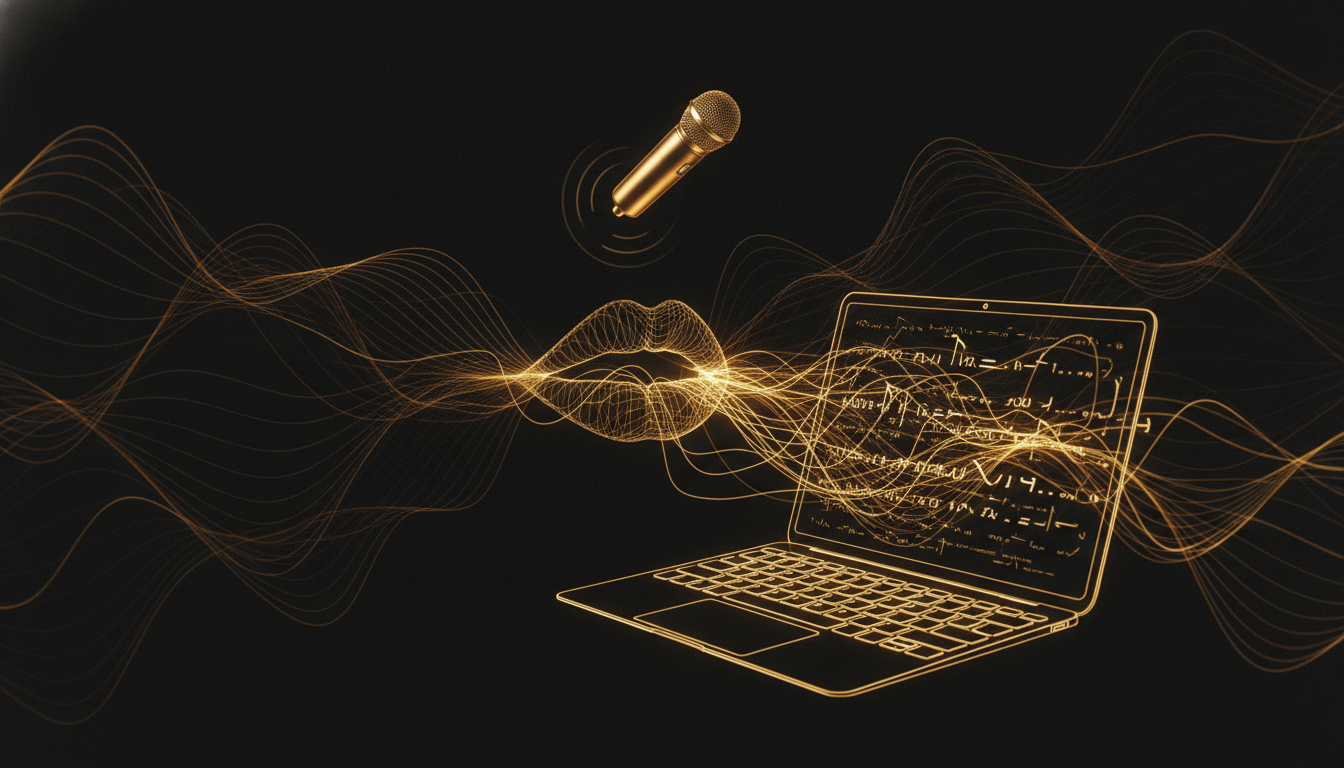
Most writers struggle with first drafts not because they lack ideas but because they edit while they write. Dictation fixes this almost by accident. When you are speaking, there is no backspace key to reach for. You have to keep moving, and that forward motion is exactly what first drafts need.
Why Dictation Works for First Drafts
A first draft has one job: get the material out. Quality comes in revision. The problem is that typing is slow enough to make editing feel productive. You fix a sentence, tweak a paragraph, reread what you have written. None of that is drafting. It is procrastination wearing a responsible mask.
Speaking at 130 words per minute leaves no room for that loop. The words arrive too fast to second-guess every one. You end up with something rough but complete, which is exactly what revision needs to work with.
Getting Comfortable With Your Voice
The first hurdle is psychological. Talking to a blank document feels strange. You are used to performing for an audience, even if that audience is just future-you. Speaking a first draft out loud can feel uncomfortably unpolished.
The fix is to treat dictation like thinking out loud, not like performing. Give yourself permission to say the wrong thing. Say placeholder phrases like "something about the tension here" or "expand this later." The draft is not a finished product. It is raw material.
Most writers find that after two or three sessions, the self-consciousness fades. What remains is something closer to flow than anything typing usually produces.
Practical Setup
You do not need expensive equipment to start. A decent USB microphone or even a quality headset will do. If you are using a MacBook, the built-in mic is surprisingly capable in a quiet room.
For software, VoiceInk works well for this because it runs locally and drops text directly into whatever app you are writing in. There is no upload delay, no subscription to a cloud service, and nothing listening in the background. You press a key, talk, release. The words appear.
Open your writing app, set your document to full screen, and dictate in chunks. Some writers prefer to talk through an entire scene before stopping. Others dictate a paragraph at a time. Try both and see what feels more natural.
Handling the Rough Edges
Dictated prose is more conversational than typed prose. Sentences run longer. You repeat yourself. You use filler words. All of that is fine and expected in a first draft. When you edit, you will tighten everything anyway.
One useful habit is to say punctuation out loud when it matters. "Period" and "new paragraph" become second nature quickly. You do not need to catch every comma in the draft. Focus on the ideas. Punctuation is a revision problem.
Also, leave the corrections alone during the dictation session. If a word is misrecognized, note it with a bracket and keep going. Stopping to fix every small error breaks momentum, which is the one thing dictation is best at maintaining.
Finding Your Dictation Voice
Some writers worry that dictated prose will not sound like them. The opposite tends to happen. Because dictation is closer to natural speech, it often produces a more direct, honest voice than typed drafts, which can become stiff under the weight of self-editing.
Many published authors, including some known for precise literary prose, have used dictation for years. The style is not in the input method. It is in the revision.
If you have been stuck on a draft, or if you find that your first drafts take forever and still feel thin, try talking through the next one. You might find that the material was there all along, waiting for a faster way out.
Stop typing. Start talking.
VoiceInk turns your voice into text in any app. Local, fast, private. Free to start.
Download VoiceInk Free