Carpal Tunnel Is Preventable: What Developers and Writers Miss
Carpal tunnel syndrome doesn't arrive all at once. It builds over months or years of repetitive motion, then shows up one morning as numbness in two fingers and a dull ache that doesn't go away after a night's sleep. By that point, the damage is already done and reversal is slow.
Most of the advice you'll find focuses on treatment. This is about prevention, specifically for people who spend long days typing.
What's Actually Happening
The carpal tunnel is a narrow passage in your wrist through which tendons and the median nerve pass. Repetitive flexion and extension of the wrist causes the tendons to swell, which compresses the nerve. The result is tingling, weakness, and eventually pain in the thumb, index finger, middle finger, and part of the ring finger.
For developers and writers, the risk is high and chronic. Eight hours of typing is roughly 10,000 to 16,000 keystrokes depending on your work. Multiplied across a career, that's an enormous amount of repetitive motion concentrated in one small anatomical structure.
The Ergonomics Basics (That Most People Skip)
Your keyboard should sit at a height that lets your forearms stay roughly parallel to the floor, elbows at about 90 degrees. Your wrists should be neutral, not bent upward or downward while you type. If you're typing on a laptop on a desk without a stand and external keyboard, your wrists are almost certainly in a poor position right now.
A few things that help:
A split keyboard reduces the amount of ulnar deviation, the outward angle most people hold their wrists at when using a standard keyboard. Kinesis, ZSA, and Dygma all make options worth researching.
A wrist rest, used correctly, means resting during pauses, not while actively typing. Resting on a pad while you type keeps the wrist compressed, which makes things worse.
Monitor height matters too. A screen that's too low pulls your head down, which changes your shoulder position, which affects your arm position all the way to your fingers. Eye level to the top third of the screen is the target.
Reducing Keystroke Volume
Ergonomics helps with how you type. But reducing how much you type is also a real strategy.
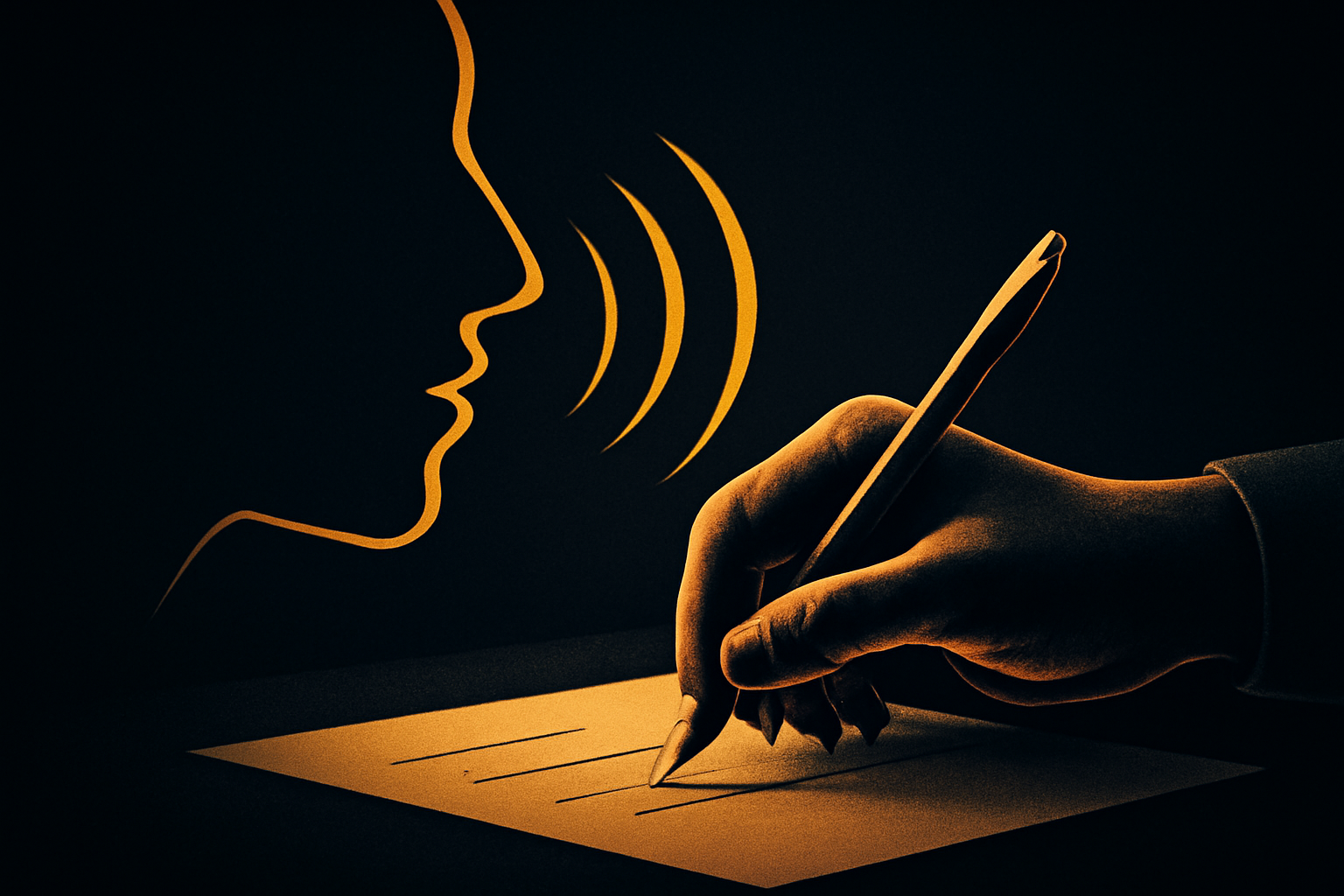
This is where voice dictation becomes a health tool, not just a productivity one. Every paragraph you dictate is a paragraph your wrists didn't have to produce. If you're writing 2,000 words a day and you shift half of that to voice, you've cut your daily keystroke load by roughly 30 to 40 percent.
VoiceInk makes that practical because it works in any Mac app without friction. You're not opening a separate transcription window or copying text around. You speak, the words appear, you keep working. The reduction in typing is real without requiring a workflow overhaul.
Developers in particular tend to dismiss dictation because they assume it only works for prose. But meeting notes, PR descriptions, Slack messages, documentation, and inline comments are all high-frequency typing tasks that translate well to voice.
What to Watch For
Early warning signs are easy to rationalize away. Occasional tingling in the fingers after a long session, mild wrist soreness in the morning, hands that feel more tired than they should. These are signals, not inevitabilities.
If you're noticing any of these, now is the right time to change habits, not after the numbness becomes persistent. Talk to a doctor. Get a formal ergonomic assessment if you can. And start mixing in alternatives to typing before you're forced to.
A Habit Worth Building Early
The people who manage to type productively for 20 or 30-year careers tend to be the ones who treated prevention as a priority, not a response to pain. They took breaks, adjusted their setups, and found ways to reduce the raw volume of repetitive motion.
Voice dictation is one of those ways. It won't replace your keyboard, but it doesn't need to. Even a partial shift buys your hands meaningful rest.
Your wrists are doing a lot of work for you. It's worth making that work last.
Stop typing. Start talking.
VoiceInk turns your voice into text in any app. Local, fast, private. Free to start.
Download VoiceInk Free